







¿Quieres darle un poco de vida y movimiento a tu sitio web sin sumergirte en JavaScript? Estás en el lugar correcto. Las animaciones pueden transformar completamente la experiencia del usuario en una página web: atraen la atención, brindan retroalimentación y hacen que tu sitio se sienta dinámico y atractivo. ¿Y lo mejor? No necesitas ser un experto en front-end para empezar. En esta guía, te mostraremos cómo crear una animación CSS sencilla usando solo unas pocas líneas de código.
Ya sea que estés diseñando un botón que crece suavemente al pasar el ratón por encima, construyendo un cargador para una sección de contenido o simplemente experimentando con sutiles toques visuales, las animaciones CSS te dan las herramientas para hacerlo de forma rápida y eficiente. Este tutorial está diseñado específicamente para principiantes: sin teoría compleja ni técnicas avanzadas, solo ejemplos directos que puedes entender, personalizar y usar de inmediato.
Al final de este artículo, sabrás cómo crear un efecto hover CSSbásico, construir una animación de carga CSSsuave y entender cómo las @keyframes de CSS dan vida a tus ideas. Seas estudiante, freelancer o simplemente aprendiendo por diversión, estos sencillos pasos te ayudarán a mejorar tus habilidades de diseño web con confianza.
Si alguna vez quisiste que tu sitio web se sintiera más vivo, añadir una animación CSS sencilla es una de las formas más fáciles y divertidas de hacerlo. Ya sea que estés construyendo un blog personal o trabajando en la landing page de un cliente, un toque de movimiento puede captar la atención y hacer que tu sitio luzca más pulido.
En este tutorial, te guiaremos para crear algunos tipos de animaciones CSS sencillas usando solo CSS, ¡sin necesidad de JavaScript! Aprenderás a hacer un efecto hover CSSsuave, una animación de carga CSSbásica y a entender la magia detrás de los keyframes. ¡Vamos a ello!
¿Qué es una Aaimación CSS sencilla?
Un animación CSS sencilla es un movimiento o transición visual creada usando la regla CSS @keyframes y propiedades relacionadas con la animación como transition, transform, y animation. ¿La mejor parte? Puedes hacer todo esto sin escribir una sola línea de JavaScript.
Estas animaciones son geniales para:
- Atraer la atención a los botones.
- Crear cargadores para tu sitio web.
- Mejorar los efectos hover en imágenes o enlaces.
Empecemos con un efecto Hover CSS
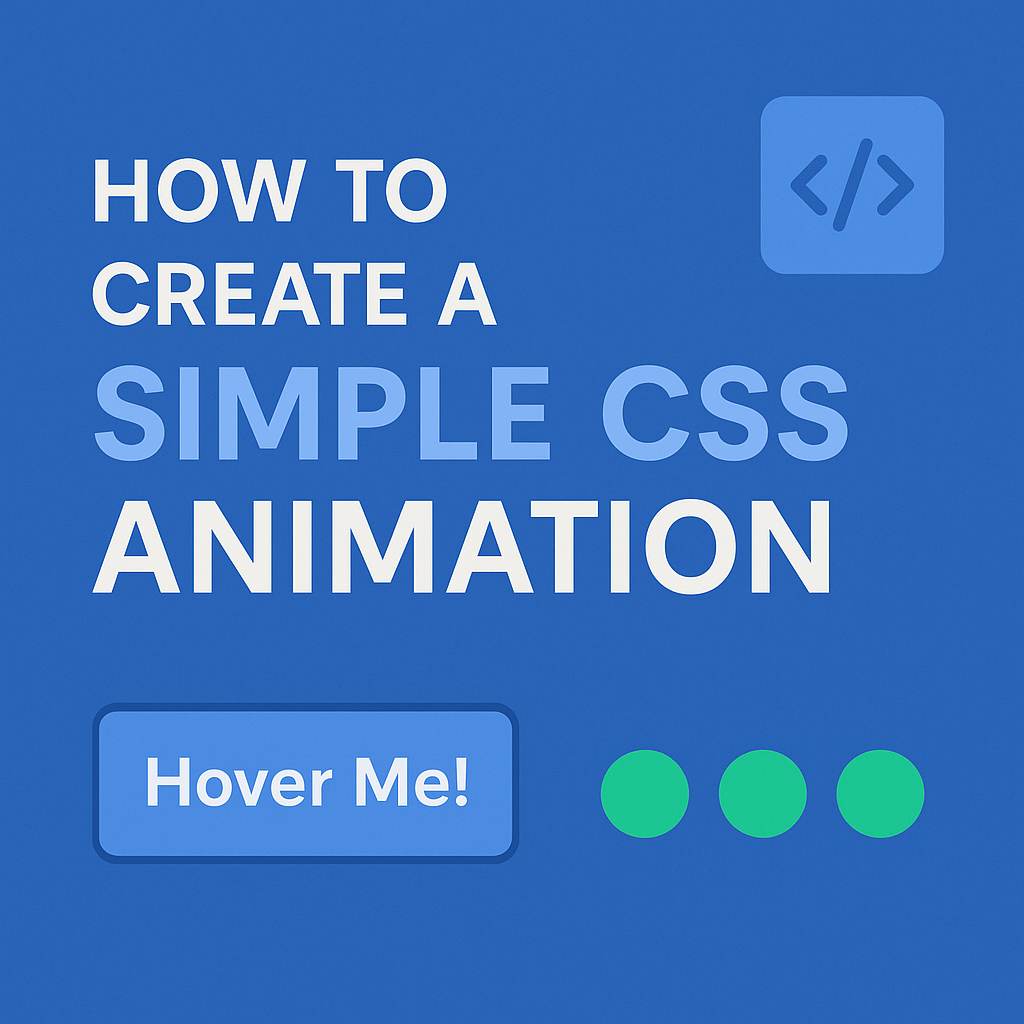
Un efecto hover CSS es una de las formas más simples de añadir interactividad. Aquí tienes un ejemplo de cómo crear un botón que cambia de color y crece ligeramente al pasar el ratón por encima:
<button class="hover-btn">Hover Me!</button>.hover-btn {
padding: 12px 24px;
background-color: #3498db;
color: white;
border: none;
border-radius: 6px;
transition: background-color 0.3s ease, transform 0.3s ease;
}
.hover-btn:hover {
background-color: #2980b9;
transform: scale(1.05);
}Con solo unas pocas líneas, has creado una animación CSS sencilla que se siente suave e interactiva. La propiedad transition asegura que el cambio no sea instantáneo, dándole un efecto fluido.
Creando una animación de carga CSS
A continuación, una animación de carga CSS , perfecta cuando esperas que el contenido se cargue o quieres dar feedback de que algo está sucediendo.
Vamos a construir un cargador de puntos que rebotan:
<div class="loader">
  <span></span><span></span><span></span>
</div>
.loader span {
display: inline-block;
width: 10px;
height: 10px;
margin: 5px;
background: #2ecc71;
border-radius: 50%;
animation: bounce 0.6s infinite ease-in-out;
}
.loader span:nth-child(2) {
animation-delay: 0.2s;
}
.loader span:nth-child(3) {
animation-delay: 0.4s;
}
@keyframes bounce {
0%, 80%, 100% {
transform: translateY(0);
}
40% {
transform: translateY(-10px);
}
}Esta pequeña animación es visualmente atractiva, fácil de implementar y no requiere imágenes ni librerías. ¡Un gran ejemplo de una animación CSS sencilla en acción!
Consejos Pro para mejores animaciones CSS
- Sé sutil: El uso excesivo de animaciones puede abrumar a los usuarios.
- Respeta la sensibilidad al movimiento: Usa media queries para reducir la animación en usuarios que lo prefieran.
- Usa
will-changesabiamente: Esto puede mejorar el rendimiento al animar propiedades comotransform.
Recursos externos
- MDN Web Docs: CSS Animations
- CSS-Tricks: Understanding Transitions
- Google Web.dev: Animations Guide
- Web Design services
Conclusión
Añadir una animación CSS sencilla a tu sitio web es una excelente forma de mejorar la experiencia de usuario y hacer que tus páginas se sientan modernas e interactivas. Ya sea un efecto hover CSS suave o una animación de carga CSScreativa, ahora tienes las herramientas para dar vida a tus elementos web.
Prueba estos ejemplos en tu próximo proyecto y no temas experimentar. ¡Feliz codificación!
Looking to make your website more engaging without compromising performance? Mastering simple CSS animation is the key to creating sleek, attention-grabbing interactions that keep users on your page. From hover effects to smooth transitions, CSS animations can elevate user experience while maintaining fast load times—crucial for SEO and conversion. At Kickoff Advertising, we specialize in blending smart animation with stunning visuals. Ready to bring your site to life? Let our expert web design service turn static pages into dynamic, high-converting experiences that reflect your brand and boost results.