







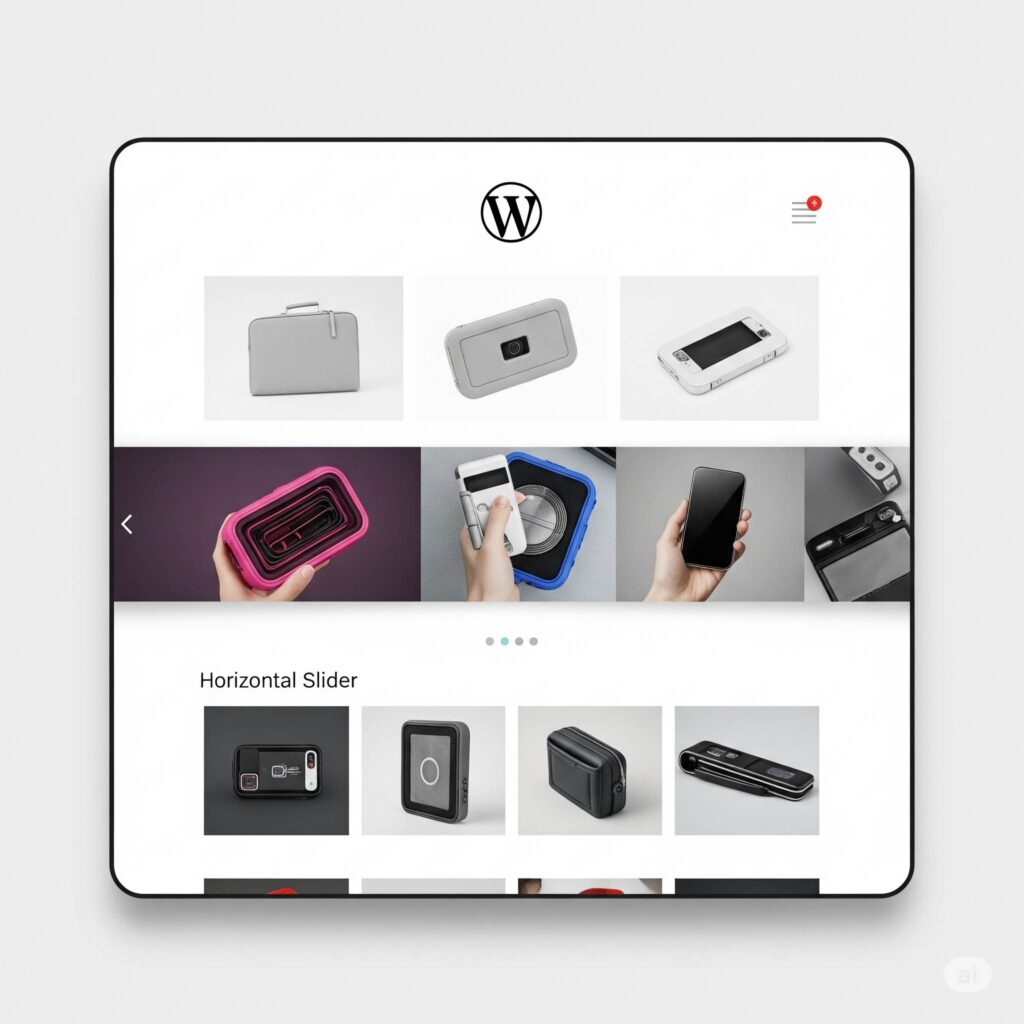

¿Buscas darle un toque especial a tu web WordPress con un slider dinámico de imágenes o contenido? Quizás quieres mostrar testimonios, productos destacados o un portafolio sin ralentizar tu sitio con otro plugin. ¡Estás en el lugar correcto! En este artículo, te guiaremos por un método simple y eficaz para crear un slider de imágenes en WordPress sin un plugin.¡Di adiós al código inflado y hola a un carrusel ligero y de carga rápida!
En el mundo de WordPress, los plugins suelen ser la solución más común para añadir funciones extra. Aunque muchos son fantásticos, un exceso de ellos puede causar problemas de rendimiento, vulnerabilidades de seguridad e incluso conflictos con tu tema. Por eso, a veces, volver a lo básico y usar las funciones integradas de WordPress puede ser una estrategia más inteligente. Hoy, nos centraremos en crear un slider de imágenes básico pero funcional directamente en WordPress, sin un plugin..
¿Por qué evitar plugins de Slider adicionales a veces?
Antes de sumergirnos en el "cómo hacerlo", veamos rápidamente por qué querrías evitar plugins de slider dedicados en ciertas situaciones:
- Rendimiento: Cada plugin añade código extra a tu web. Demasiados, especialmente los plugins de slider pesados con muchas funciones que quizás ni uses, pueden ralentizar significativamente los tiempos de carga de tu página. Una carga más rápida es crucial para la experiencia de usuario y el SEO.
- Complejidad: Algunos plugins de slider vienen con una gran cantidad de ajustes y opciones, lo que puede ser abrumador para principiantes.
- Compatibilidad: Conflictos entre diferentes plugins o entre un plugin y tu tema pueden hacer que tu sitio web funcione mal.
- Mantenimiento: Más plugins significan más actualizaciones que gestionar, aumentando el potencial de fallos.
- Simplicidad: Para necesidades básicas de slider, una solución ligera basada en código para crear un slider de imágenes en WordPress sin un plugin. podría ser todo lo que necesitas, sin el "equipaje" extra de un plugin completo.
El método simple: Usando el bloque de galería de WordPress
WordPress tiene un bloque de "Galería" integrado que, con un pequeño ajuste, puede funcionar como un carrusel de imágenes básico. Este método es sorprendentemente efectivo para sliders de imágenes sencillos. Así es como se hace:
Paso 1: Sube Tus Imágenes a la Biblioteca de Medios (2 minutos)
Primero, asegúrate de que todas las imágenes que quieres incluir en tu slider estén subidas a tu Biblioteca de Medios de WordPress. Ve a Medios > Añadir nuevo y sube tus archivos.
Paso 2: Inserta el Bloque de Galería (1 minuto)
- Ve a la entrada o página de WordPress donde quieras incrustar tu slider.
- Haz clic en el icono “+” para añadir un nuevo bloque y busca “Gallery.” Selecciona el bloque de Galería.
Paso 3: Selecciona Tus Imágenes para la Galería (1 minuto)
Una vez insertado el bloque de Galería, se te pedirá que subas nuevas imágenes o que selecciones las existentes de tu Biblioteca de Medios. Elige las imágenes que quieres en tu slider y haz clic en "Crear una nueva galería". Luego, puedes reorganizar el orden de las imágenes arrastrándolas y soltándolas. Haz clic en "Insertar galería".
Paso 4: Personaliza la Configuración de la Galería (1 minuto)
En la configuración del bloque de Galería (normalmente en la barra lateral derecha), encontrarás opciones como:
- Columnas: Establece esto en "1" para mostrar solo una imagen a la vez.
- Recortar imágenes: Decide si quieres que WordPress recorte automáticamente tus imágenes a un tamaño uniforme. Desmarcar esta opción suele ser mejor para mantener la relación de aspecto original de tus imágenes.
- Enlazar a: Puedes elegir enlazar las imágenes a la página de adjuntos, al archivo multimedia o no enlazarlas en absoluto. Para un slider simple, "Ninguno" suele ser la mejor opción.
Paso 5: Añade CSS Personalizado para el Efecto Deslizante (3 minutos)
Aquí es donde ocurre la magia. Usaremos un pequeño fragmento de CSS para que la galería se comporte como un slider.
-
Añade una Clase CSS a Tu Bloque de Galería: En la configuración "Avanzado" de la barra lateral derecha, añade una clase CSS personalizada. Llamémosla
simple-carousel. -
Añade el CSS Personalizado a Tu Tema o al Personalizador de WordPress:
-
Opción 1 (Recomendada para Temas Hijo): Si usas un tema hijo (¡y deberías!), puedes añadir el siguiente CSS al archivo
style.cssde tu tema hijo:CSS
.simple-carousel { display: flex; overflow-x: auto; scroll-snap-type: x mandatory; -webkit-overflow-scrolling: touch; /* For smooth scrolling on iOS */ } .simple-carousel figure { scroll-snap-align: start; margin: 0; /* Remove default figure margins */ margin-right: 10px; /* Add some spacing between images if desired */ flex: 0 0 auto; /* Prevent images from shrinking or growing unexpectedly */ } .simple-carousel img { display: block; /* Remove extra space below images */ max-width: 100%; /* Ensure images don't overflow their container */ height: auto; } -
Opción 2 (Personalizador de WordPress): Si no tienes un tema hijo o quieres una solución rápida, puedes añadir el CSS en el Personalizador de WordPress. Ve a Apariencia > Personalizar > CSS Adicional y pega el código ahí.
-
Paso 6: Previsualiza y Ajusta (2 minutos)
Guarda tu entrada o página y previsualízala. Deberías ver tus imágenes dispuestas horizontalmente, y podrás desplazarte por ellas. En dispositivos táctiles, el desplazamiento debería ser suave. Ajusta el CSS (por ejemplo, el valor de margin-right ) a tu gusto. Este es tu eficaz slider de imágenes en WordPress sin un plugin.
Mejoras y Consideraciones
Este método proporciona un carrusel de imágenes con desplazamiento horizontal básico. Aquí hay algunas cosas a tener en cuenta y posibles mejoras:
- Subtítulos: Si añadiste subtítulos a tus imágenes en la Biblioteca de Medios, se mostrarán debajo de cada imagen en la galería.
- Responsividad: El CSS que proporcionamos asegura que el slider sea desplazable horizontalmente en pantallas más pequeñas. Asegúrate de que tus imágenes tengan el tamaño adecuado para diferentes dispositivos para evitar problemas de diseño.
- Reproducción Automática y Flechas/Puntos de Navegación: Este método básico no incluye reproducción automática ni elementos de navegación. Para funciones más avanzadas, normalmente necesitarías un plugin de slider dedicado o una codificación personalizada más compleja con JavaScript. Sin embargo, para un slider de imágenes en WordPress sin un pluginsimple y ligero, este enfoque solo con CSS suele ser suficiente.
- Sliders de Contenido: Este método funciona mejor para imágenes. Para crear sliders con texto y otros elementos de contenido, podrías necesitar explorar otras opciones sin plugins que impliquen un uso más avanzado de los bloques de WordPress y, posiblemente, algo de JavaScript. Puedes aprender más sobre cómo usar diferentes bloques de WordPress de forma efectiva en recursos como las páginas de soporte de WordPress.org..
Optimización SEO para tu slider sin plugins
Incluso sin un plugin de slider dedicado, puedes optimizar tu contenido para los motores de búsqueda:
- Optimización de Imágenes: Asegúrate de que tus imágenes estén correctamente optimizadas para la web (formato de archivo correcto, tamaño comprimido) antes de subirlas a la Biblioteca de Medios. Usa nombres de archivo descriptivos y añade texto alternativo (alt text) relevante a cada imagen. Para este artículo, el alt text de tu imagen principal debería ser"WordPress image slider without plugin".Esto es crucial para SEO y accesibilidad.
- Palabras Clave Relevantes: Aunque el slider en sí mismo no contenga mucho texto, asegúrate de que el contenido circundante en tu página o entrada esté bien optimizado con palabras clave relevantes como"WordPress image slider without plugin".,” “create WordPress carousel no plugin,” y “embed slider WordPress built-inNos hemos esforzado específicamente para que la palabra clave principal aparezca de forma natural en todo el texto.
- Velocidad de Carga de la Página: Al evitar plugins voluminosos, ya estás contribuyendo a tiempos de carga de página más rápidos, lo cual es un factor de ranking significativo para Google. Puedes mejorar aún más la velocidad usando un tema ligero y optimizando tu instalación general de WordPress. Para más consejos sobre el rendimiento de WordPress, considera revisar recursos como el blog de WP Rocket..
Conclusion
No siempre necesitas una gran cantidad de plugins para lograr elementos visualmente atractivos y funcionales en tu sitio web WordPress. Al aprovechar el bloque de Galería integrado y un toque de CSS personalizado, puedes insertar fácilmente un slider de imágenes en WordPress sin un plugin.Este método es ligero, rápido y perfecto para carruseles de imágenes sencillos. ¡Pruébalo y disfruta de un sitio WordPress más limpio y eficiente!
For more tips and tricks on optimizing your WordPress website without relying heavily on plugins, be sure to explore our other articles on the SEO agency in Miami Kickoff Advertising Blog.
Looking to enhance your website’s visual appeal without slowing it down? Building a WordPress picture slider manually is the smart way to boost engagement while keeping performance optimized. By creating an image slider in WordPress without plugin, you avoid bloated code and gain full control over the design—resulting in faster load times and a better user experience. At Kickoff Advertising, we specialize in clean, custom-coded solutions that convert. Ready to level up your site’s visuals without compromising speed? Partner with our expert web design service and turn your website into a high-performing sales tool.
Looking to enhance your website’s visual appeal without slowing it down? Building a WordPress picture slider manually is the smart way to boost engagement while keeping performance optimized. By creating an image slider in WordPress without plugin, you avoid bloated code and gain full control over the design resulting in faster load times and a better user experience. At Kickoff Advertising, we specialize in clean, custom-coded solutions that convert. Ready to level up your site’s visuals without compromising speed? Partner with our expert web design service and turn your website into a high-performing sales tool.